What a VPN does, and what it doesn't
A VPN hides your traffic from the network you're on. It does not make you anonymous, and knowing where that line sits decides whether one is worth having.
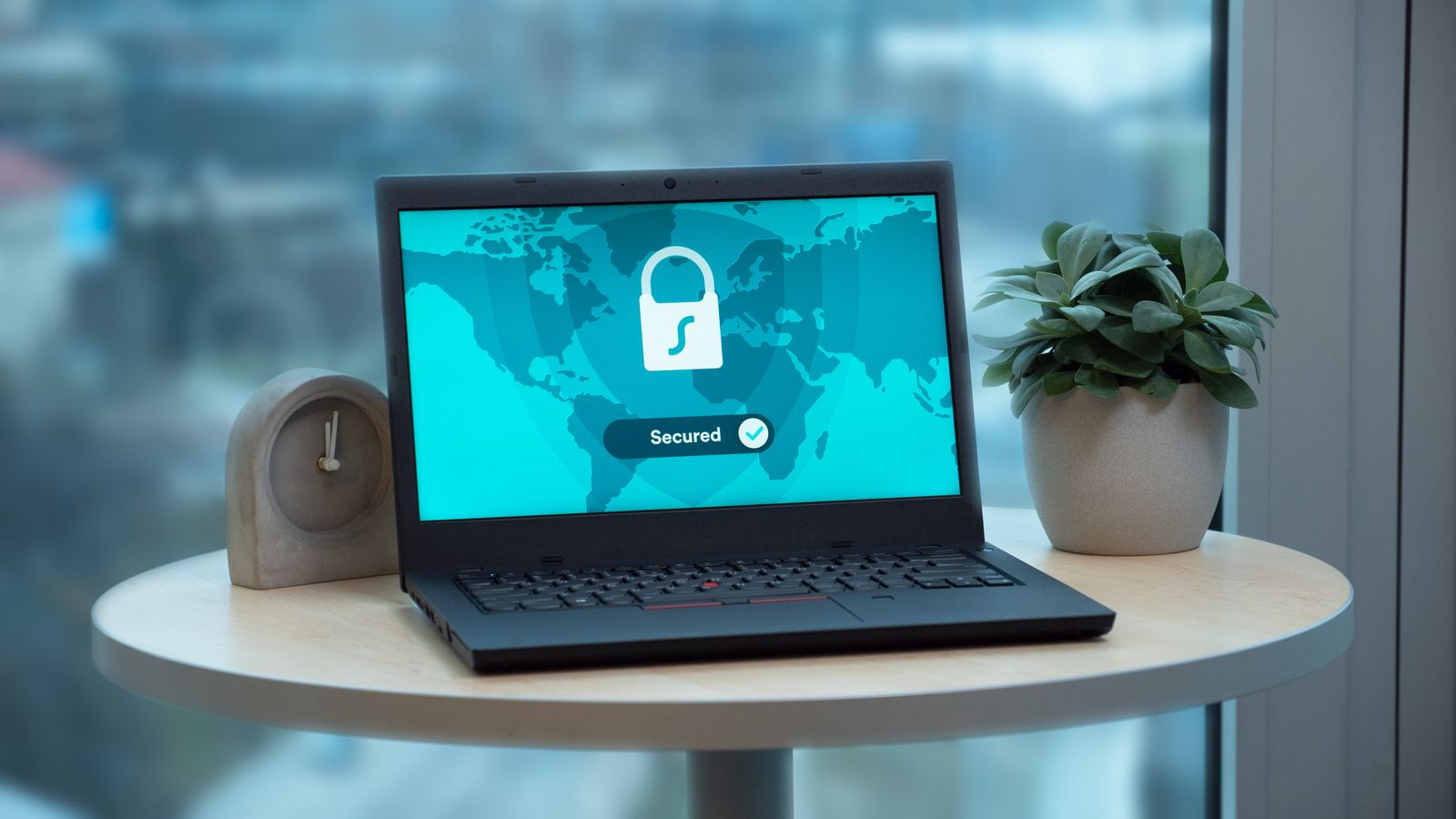
VPNs are sold with a lot of big promises. The real job is narrower and still useful: a VPN creates an encrypted connection between your device and a server run by the VPN provider, and your traffic leaves for the internet from there. Everything else follows from that one fact.
What it actually hides
- Your activity from the local network. On café, hotel or airport Wi-Fi, the network operator and anyone else on it see only an encrypted stream going to the VPN server.
- The sites you visit from your internet provider. Without a VPN, even on HTTPS sites, your provider can usually see which domains you connect to. With one, it sees a connection to the VPN and nothing more.
- Your home IP address from the sites you visit. Websites see the VPN server's address instead, which also changes your apparent location.
What it doesn't do
- It doesn't make you anonymous. If you sign in to an account, that site knows it's you, VPN or not. Cookies and browser fingerprinting keep working too.
- It doesn't stop malware or phishing. A fake login page works just as well through an encrypted tunnel. That's the job of antivirus, careful habits and your browser's warnings.
- It moves trust rather than removing it. The VPN provider is now in the position your internet provider used to be in. Who runs it, and what they log, matters.
When it's worth turning on
On any network you don't control: public Wi-Fi, hotels, conference venues, a friend's flat. When you'd rather your internet provider didn't build a picture of your browsing. When travelling and you want your usual services to behave as they do at home. At home on your own network, with HTTPS everywhere, the benefit is mostly privacy from your provider rather than security.
What to look for in one
- A no-logs policy that's been independently audited, not just promised in the marketing.
- A kill switch, which blocks traffic if the VPN connection drops instead of quietly falling back to your normal connection.
- Modern protocols such as WireGuard or OpenVPN.
- Apps for every device you use, so the phone isn't the one left unprotected.
Set it to connect automatically on untrusted Wi-Fi and you'll stop having to remember. That's the setting that makes the biggest practical difference.